
Sony audio
Control supported Sony receivers, speakers, and sound systems discovered on your network.
Made for iPhone, iPad & Apple Watch
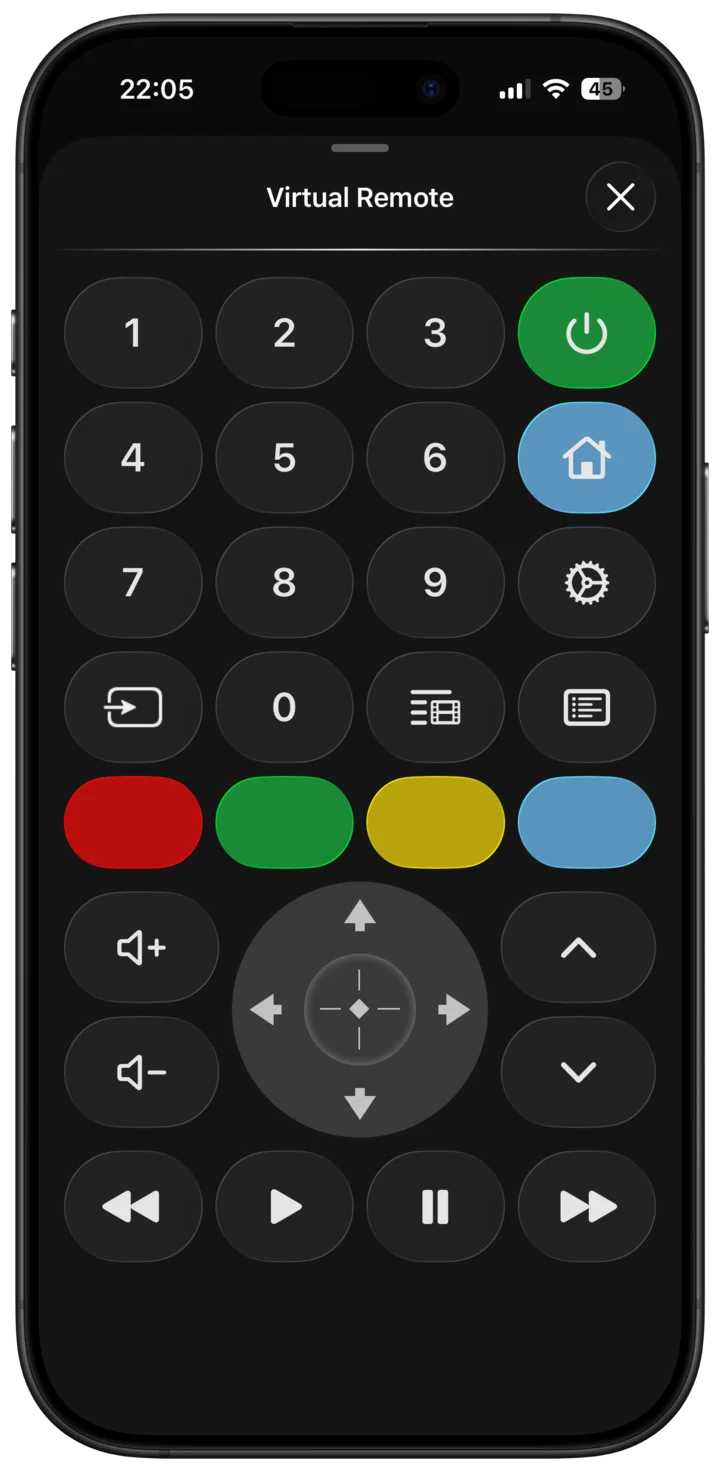
Control your BRAVIA TV and compatible audio devices from iPhone, iPad, and Apple Watch.
Try connection and essential controls free before subscribing.
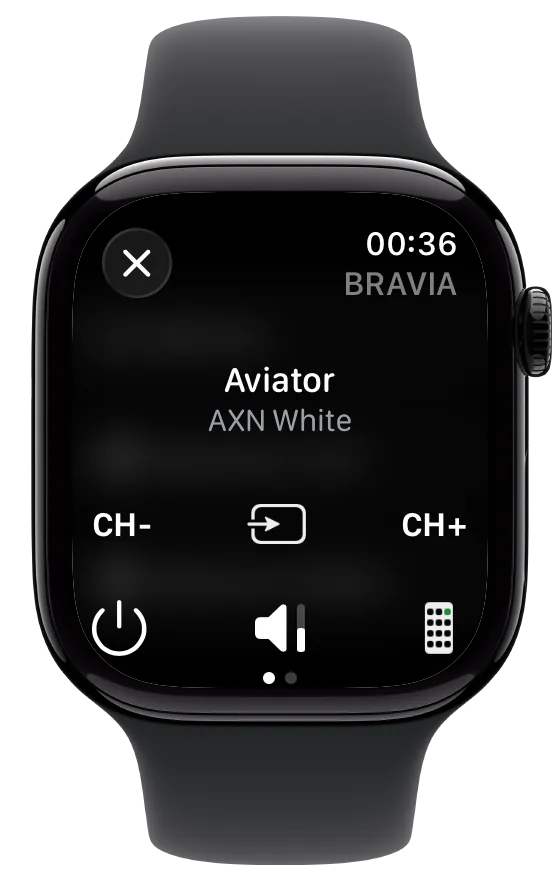
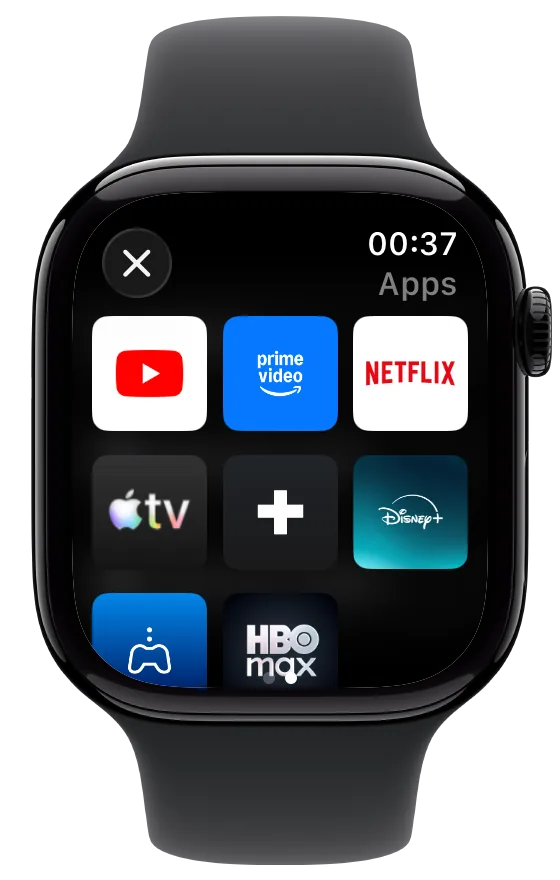
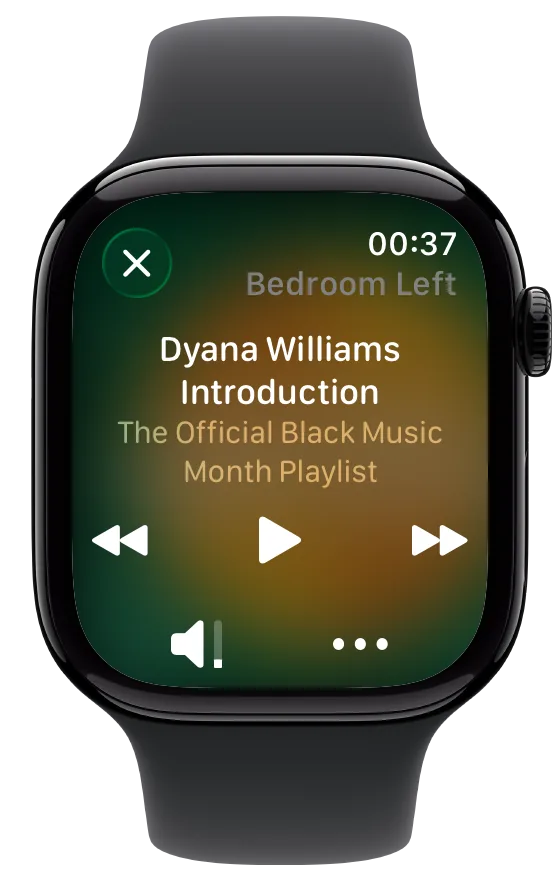
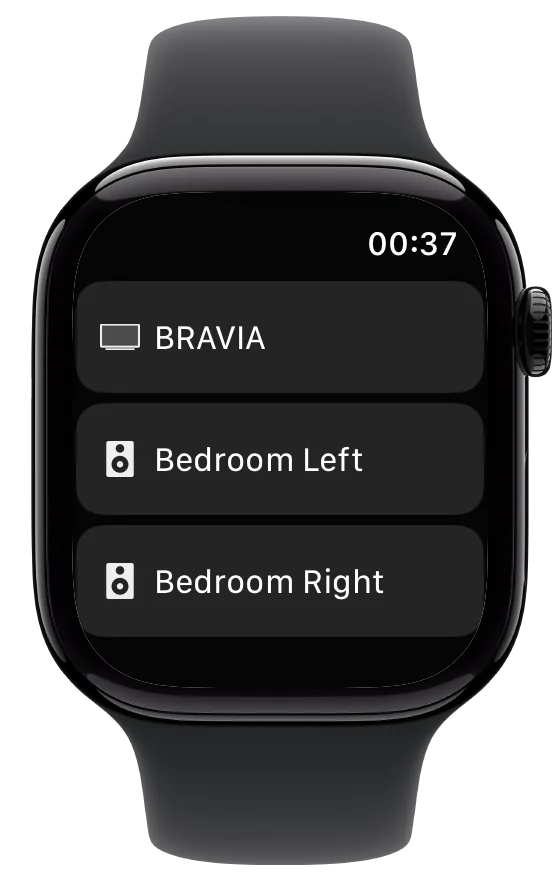
Apple Watch companion
Pause, navigate, adjust the volume, or switch devices from your wrist. Your paired devices synchronize from Intellimote on iPhone.
How Watch synchronization worksMore than television
Alongside BRAVIA, Intellimote offers everyday controls for selected network audio products.
Control supported Sony receivers, speakers, and sound systems discovered on your network.

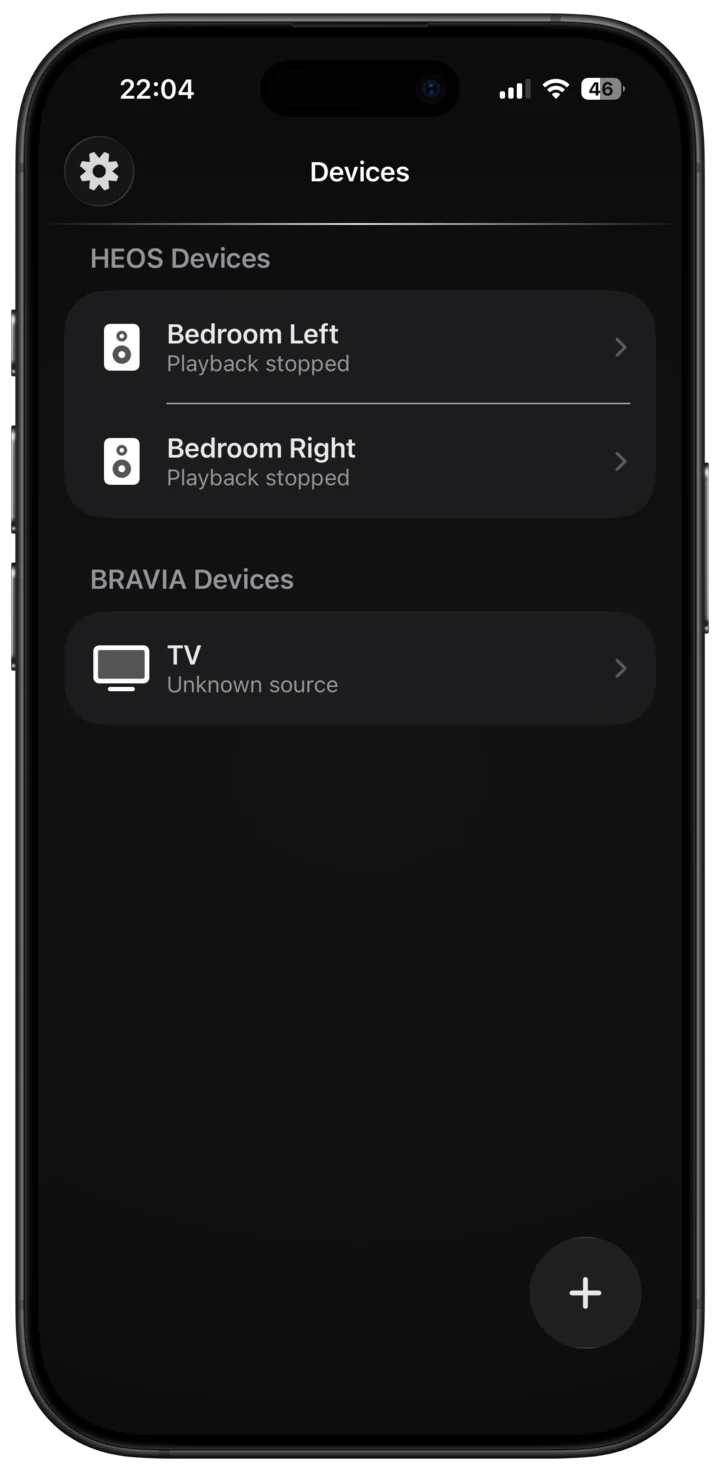
Browse sources and manage playback and volume on compatible Denon and Marantz HEOS devices.

Access practical controls for compatible Yamaha MusicCast speakers and receivers.
Audio support varies by device and feature. Test your setup free before subscribing.
A closer look
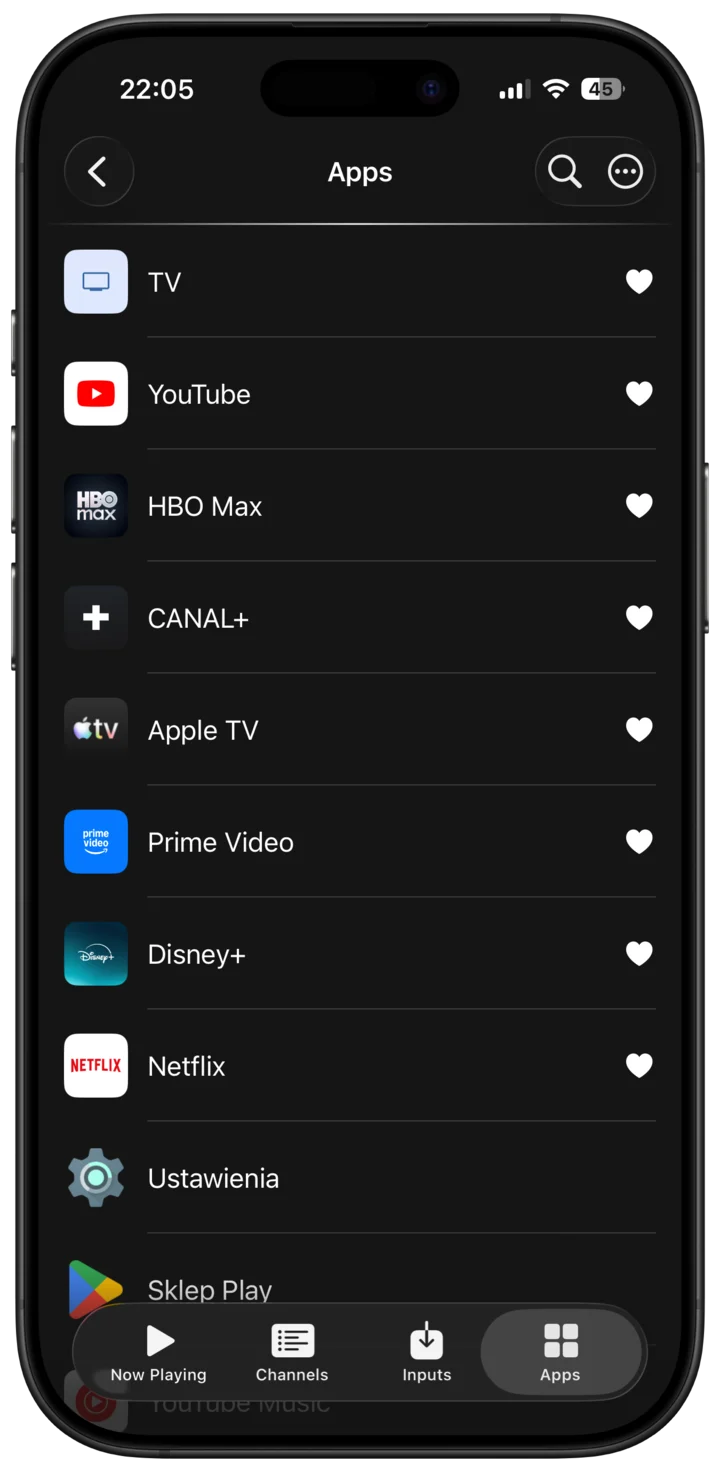
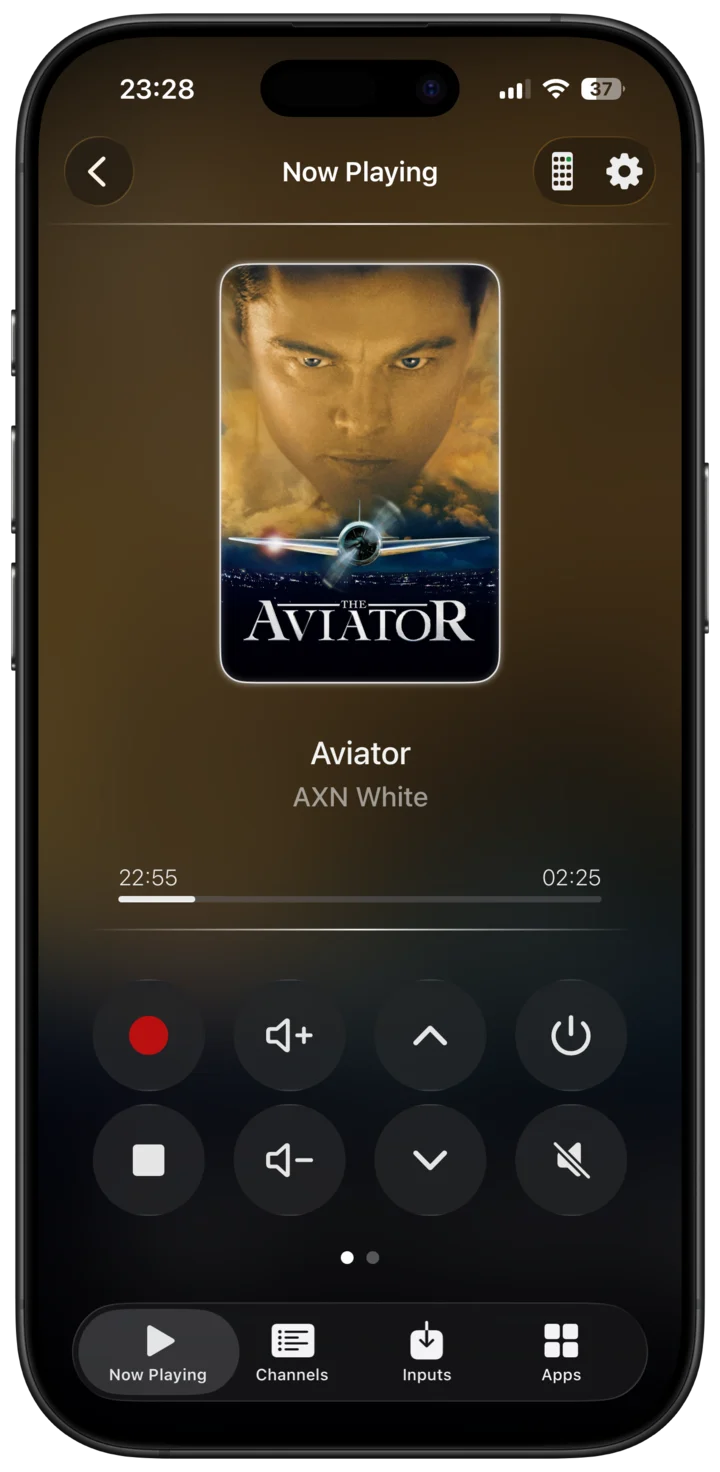
Intellimote brings playback, navigation, channels, sources, and multiroom audio into one focused app.
Intellimote for Apple Watch
Simple setup
Connect your Apple device and BRAVIA or audio device to the same local network.
Grant local-network access, then let Intellimote find supported devices nearby.
Follow the on-screen pairing prompt and start with the free essential controls.
Need help with IP control, manual connection, or discovery?
Open the setup guide
Ready when you are
Download Intellimote and test your device connection free.
 Questions? Contact support